

START HERE
Set up your Waker in a few minutes.
Four steps, from the box to your first alarm.
1. Get the app
The Earlywaker app is free, for iPhone (iOS 26 or later) and Android with NFC.
Coming soon to the App Store and Google Play.
BEFORE YOU START
- Your Waker and its stand
- Your phone: iPhone with iOS 26 or later, or Android with NFC
- A place away from your bed
-
2. Pair your Waker
Open the app and hold your phone to your Waker when it asks. That’s it: your Waker is paired.
-
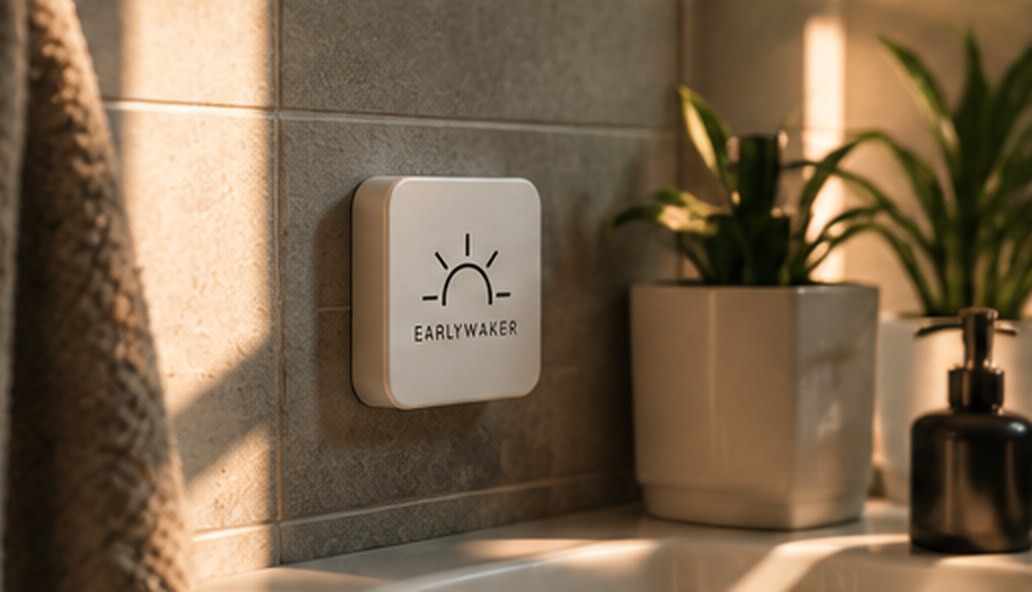
3. Give it a place
Somewhere you have to get up and walk to: your bathroom, hallway or kitchen. The stand holds with magnets, or with the two glass-safe pads in the box.
-
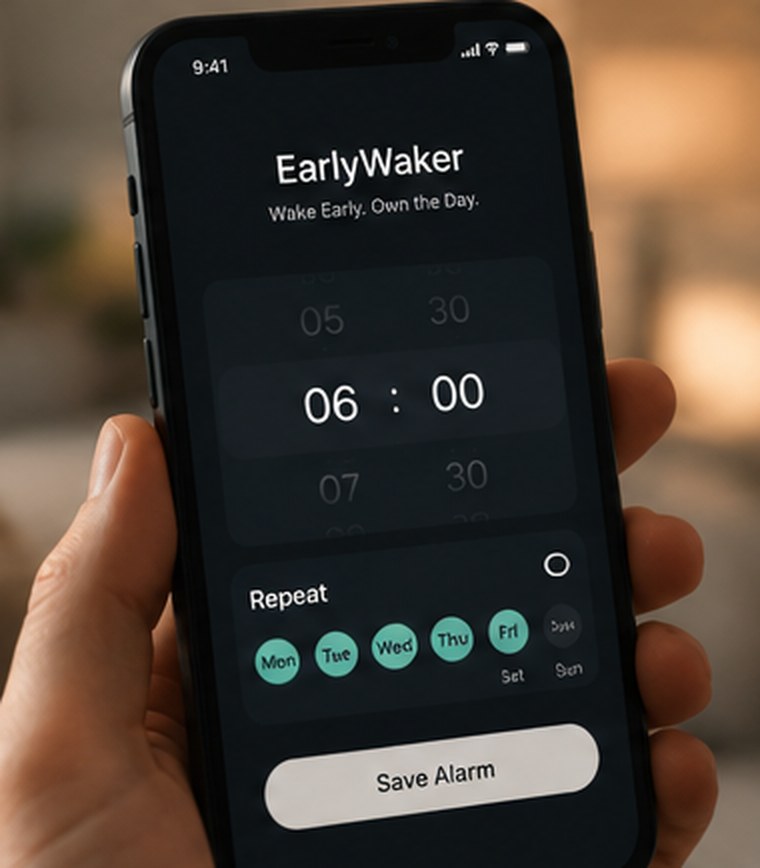
4. Set your first alarm
Pick your time in the app. Tomorrow, when it rings, get up and tap your Waker with your phone.
Good to know.
- Say yes to alarmsWhen the app asks to send alarms and notifications, allow it. Without that, it can’t ring.
- Keep your phone chargedIf your phone is off, no alarm can ring.
- Phone case? No problemYour phone reads the Waker through a normal case.
- On metal, use the standA card laid flat on metal may not read. On its stand, it does.